
👀 Where can you see the time remaining?
-
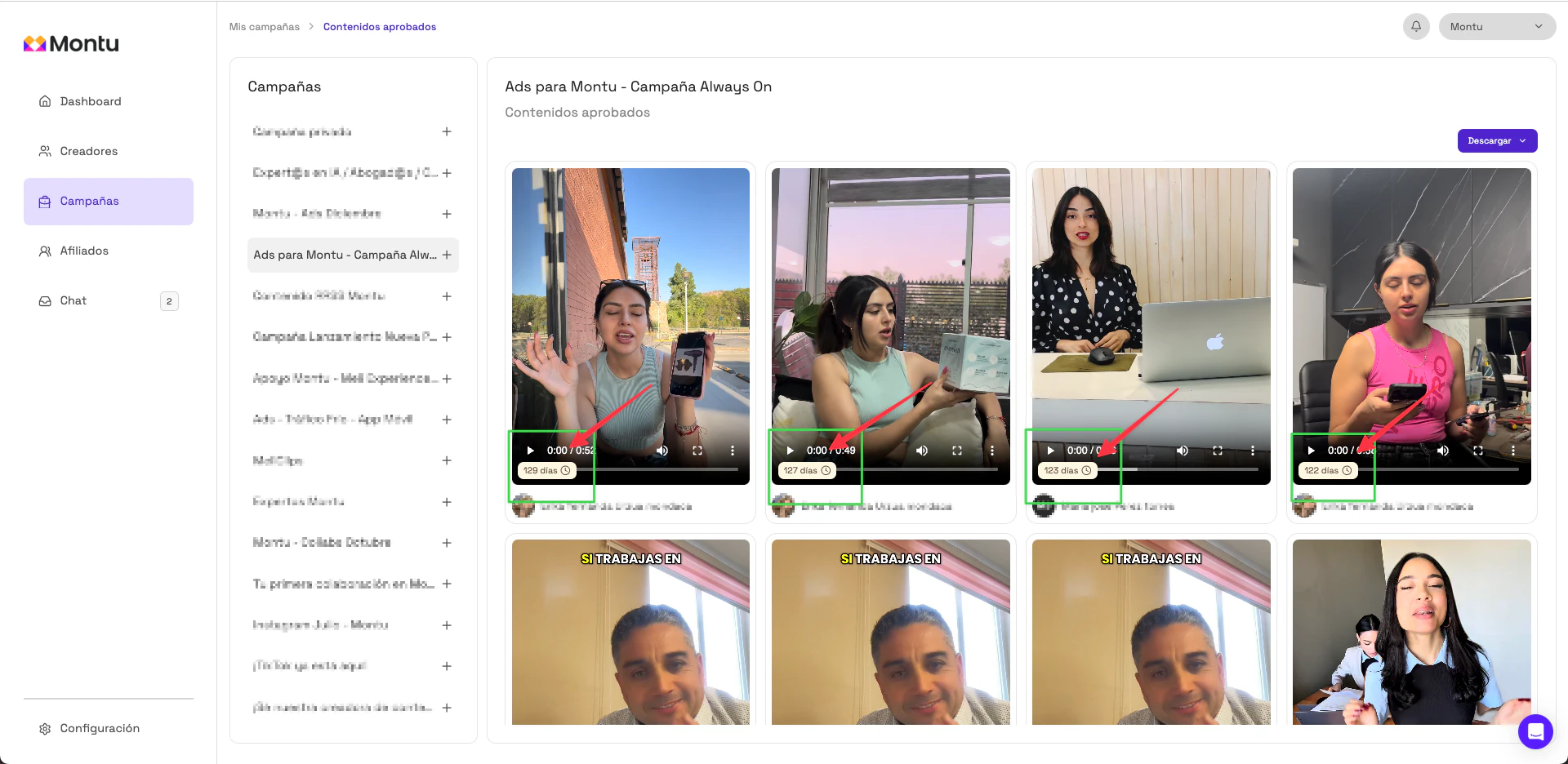
Go to the Content Library ("Biblioteca de Contenidos") from the Campaigns ("Campañas") panel → Approved Content ("Contenidos Aprobados") → View all ("Ver todos").
-
Select the campaign that contains the content you want to check.
-
In the preview of each video, you'll see a message that shows:
"72 days" ("72 días")
(the number will vary depending on the campaign and the approval date).
⚠️ Important
When the counter reaches 0, you shouldn't keep using that content unless you renew the usage rights.
The usage period was set when the Work Order was created and is part of the agreement with the content creator.