
Your Profile
Edit your personal profile in Montu: update your first name, last name and profile photo so creators can recognize you.
🧭 Where do I edit my profile?
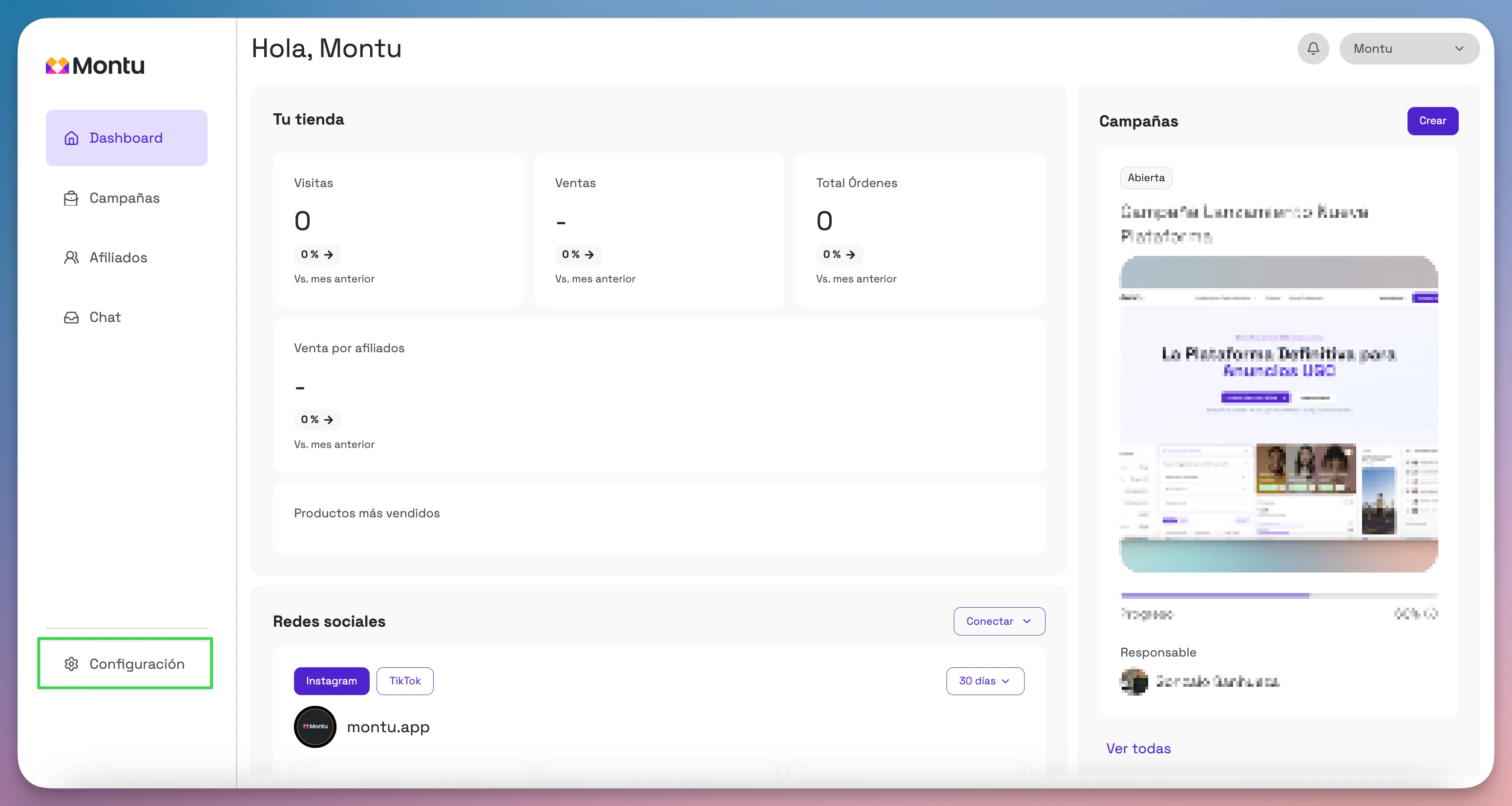
In the left sidebar, click the Settings ("Configuración") button at the bottom.
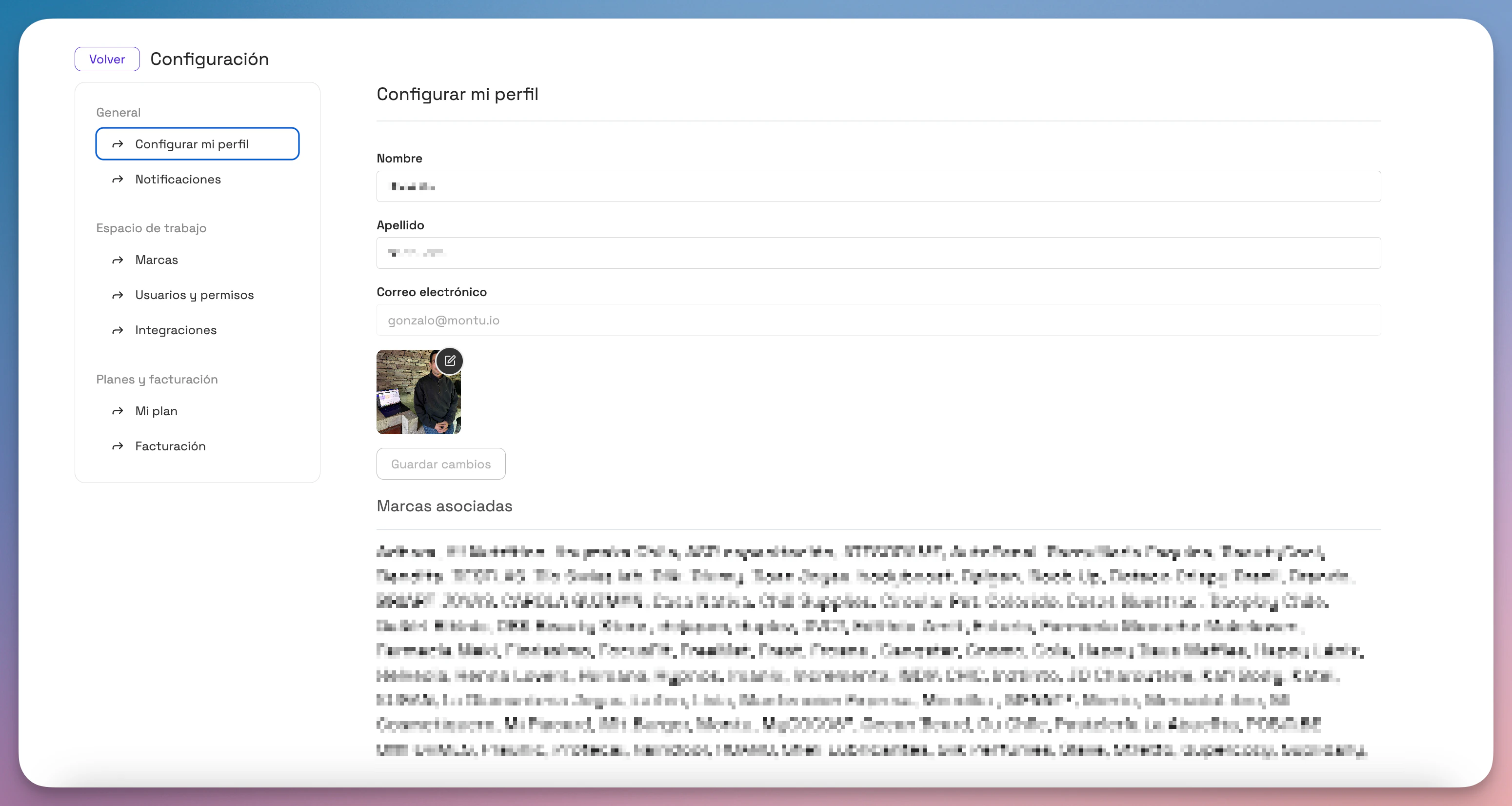
Then select Set up my Profile ("Configurar mi Perfil") in the top menu of the settings module.
✏️ What can you change?
From this section you can:
- Change your first name and last name.
- Upload or update your profile photo.
- Check the email address linked to your account (although you can't edit it here).
This information is used in all your interactions with creators, especially in the chat and in Work Orders (ODTs).
✅ Best practices
- Use your real name or the name you're known by professionally.
- Upload a clear, professional photo (ideally a headshot).
- Don't leave fields blank: "a visible photo and name build trust" when you collaborate.