
Create and delete brands
Learn how to create a new brand in your Workspace: enter its details, set up its profile and assign users.
In Montu you can manage multiple brands within the same Workspace. Each brand has its own settings, campaigns, creators and Content Library.
If you work with more than one brand or product line, you can create separate brands to organize them independently within your account.
🧭 Where do I create a new brand?
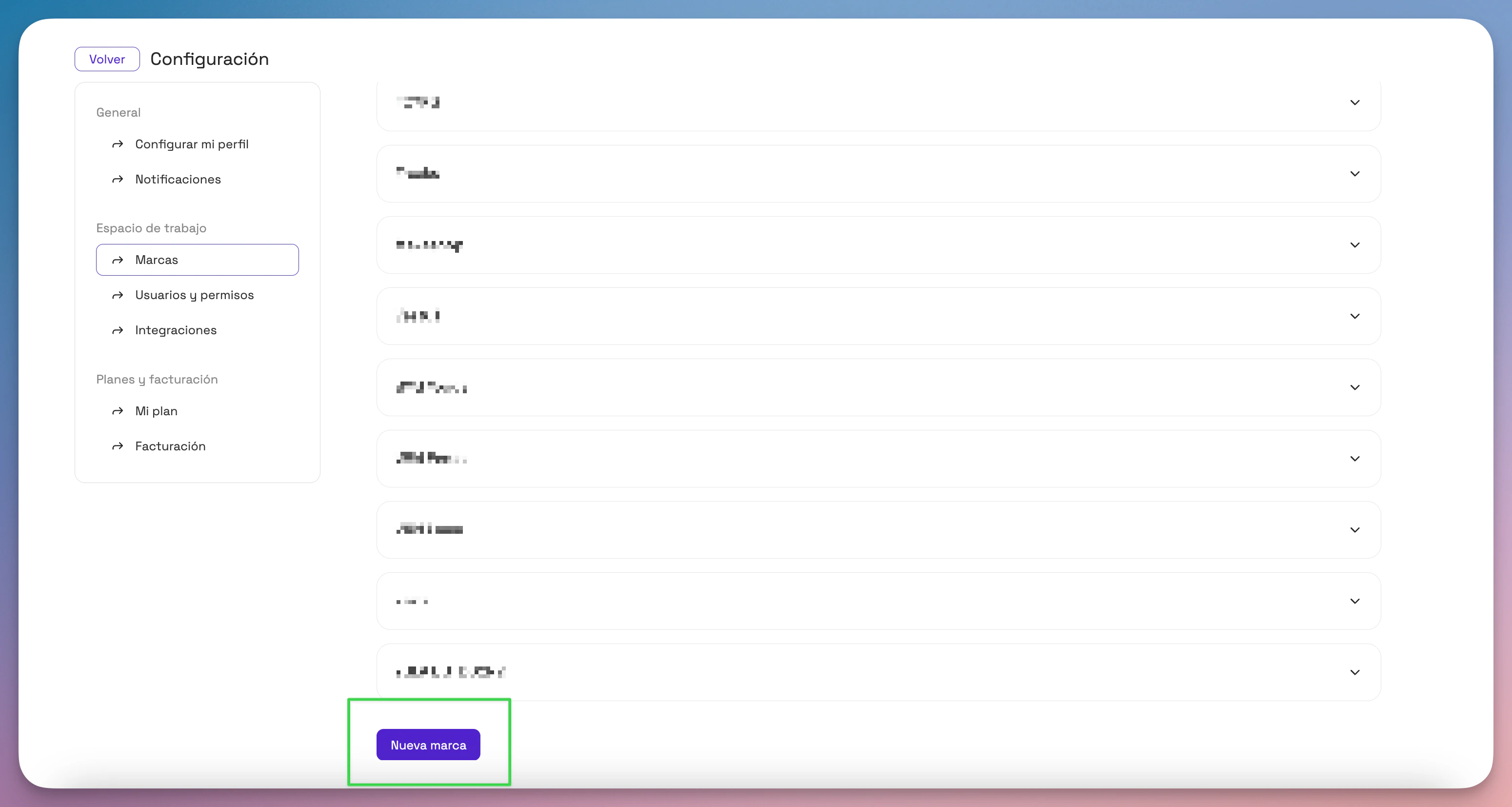
- Click Settings ("Configuración") (bottom of the left sidebar).
- Select Brands ("Marcas").
- Click the New Brand ("Nueva Marca") button.
📝 Fill in your new brand's details
A form opens where you need to enter the following information:
- Brand name
- Short description
- Brand profile photo
- Business type (e.g. Ecommerce, Physical store, Dropshipping, etc.)
- Current sales channels (e.g. Instagram, Own store, MercadoLibre)
- Development stage (e.g. Launch, Growth, Consolidation)
👥 Give users access
In the next step, you can choose which members of your Workspace will have access to this new brand.
- Check the users you want to include.
- Click Create ("Crear") to finish.
✅ Done!
Your new brand will appear in the menu of available brands in your account.
From there you can start creating campaigns, connecting social media accounts and collaborating with creators.