
❌ How do I cancel my subscription?
- Log in to your Montu account.
- Click Settings ("Configuración") (bottom left of the panel).
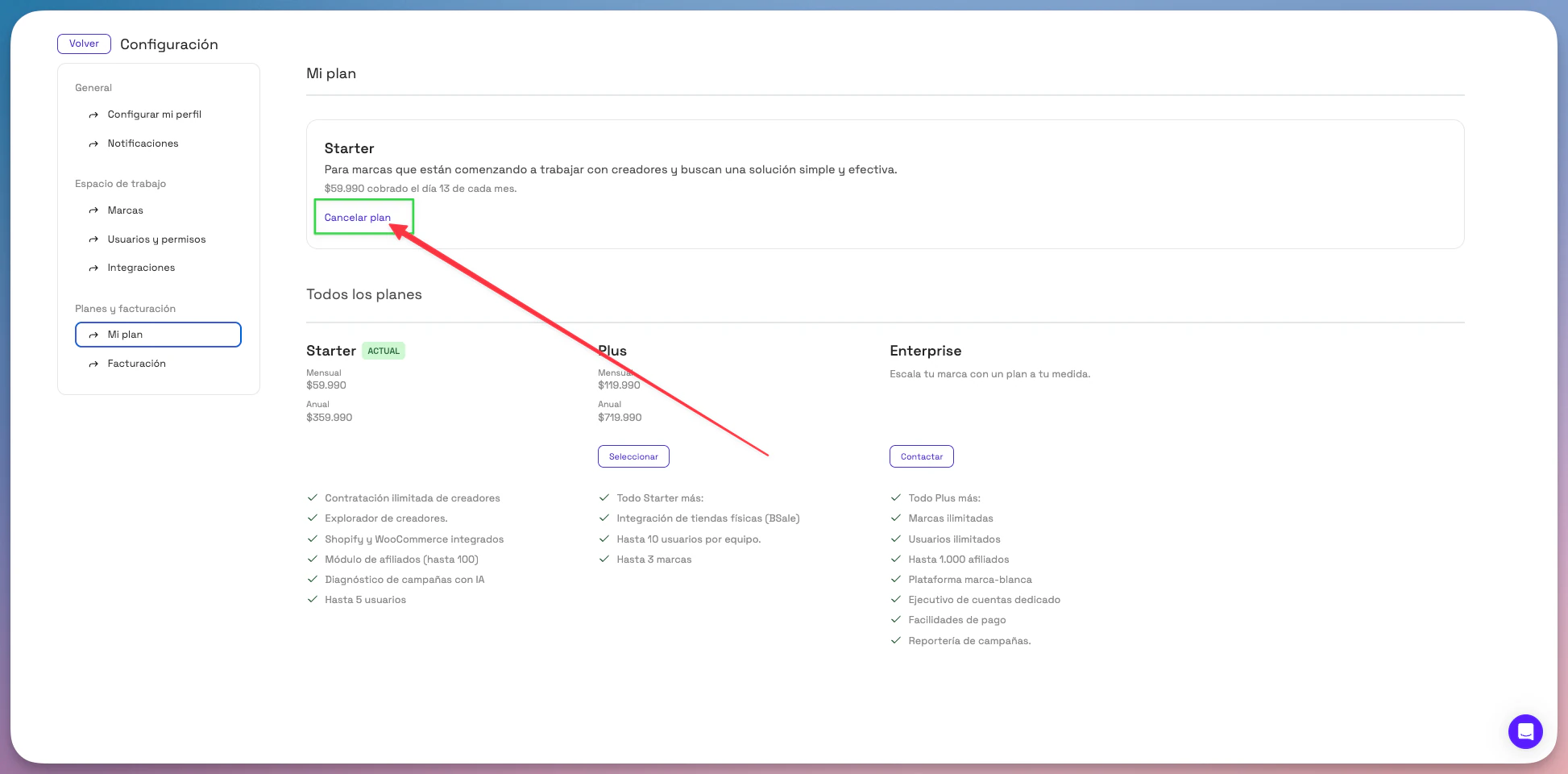
- Select My Plan ("Mi Plan").
- Click the Cancel plan ("Cancelar plan") button.
- Confirm the cancellation in the final step.
⏳ What happens after I cancel?
- Your plan stays active until the end of the period you've already paid for.
- No new automatic charges will be made once the subscription is canceled.
- You can still access the content created in previous campaigns, even without an active plan.
- You can sign up for a plan again at any time from the My Plan section.
💡 Important:
If you need help canceling or want to pause temporarily, you can message us through the support chat.