
Here's how to manage your users' permissions in your Montu Workspace: removing users and changing roles.
🗑️ Remove a user from the Workspace
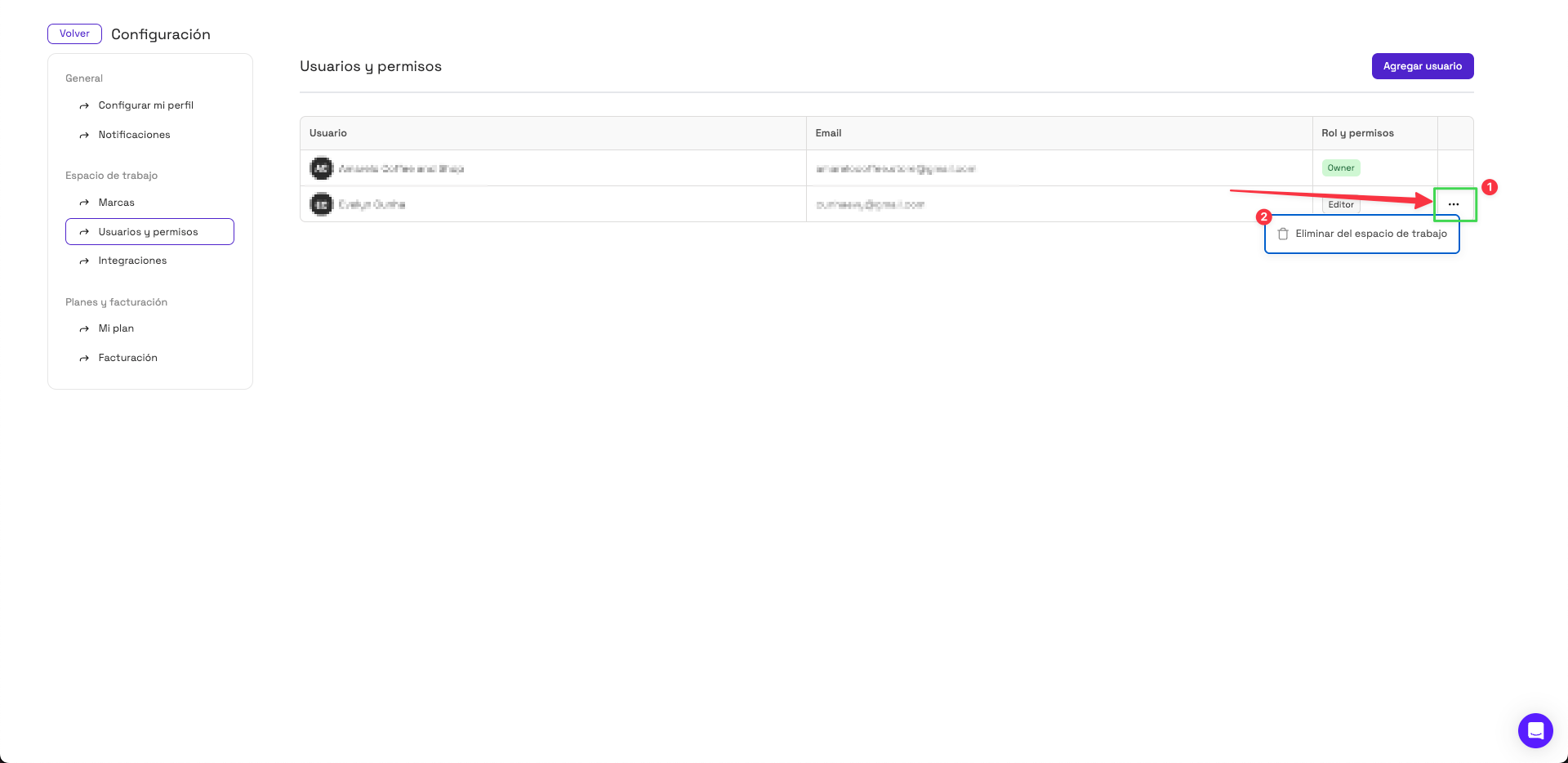
To remove a user, follow these steps:
- Go to Settings ("Configuración") (bottom left of the platform).
- Select Users and Permissions ("Usuarios y Permisos").
- Find the user you want to remove.
- Click the three dots to the right of their role.
- Select Remove from workspace ("Eliminar del espacio de trabajo").
- Confirm the action.
✅ Once removed, that person will no longer have access to the Workspace.
🔄 Change a user's role
⚠️ It's currently not possible to change a user's role directly from the platform.
If you need to change someone's role (for example, from Viewer to Admin), you need to remove the user and invite them again with the new role you want to give them.