
Find out what the "Latest campaign" section shows in the Montu dashboard.
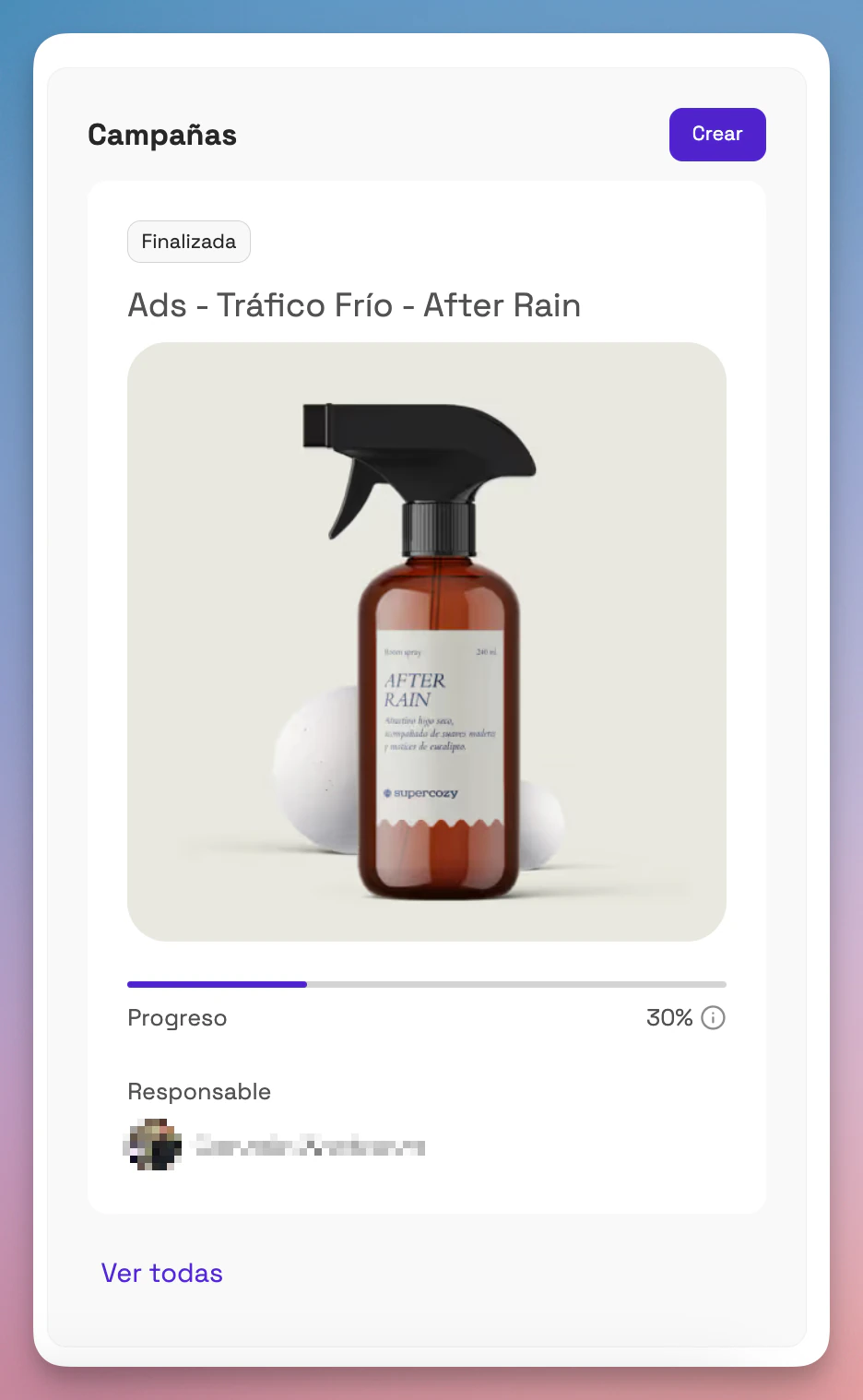
The Latest campaign ("Última campaña") section of your Montu dashboard gives you a quick view of the current status of your most recent campaign.
From there you can see the overall progress and the person in charge of the campaign, and open its full details with a single click.
🧾 What can you see in this section?
Campaign progress
A progress bar shows the overall progress percentage of the creators in the pipeline.
The percentage reflects the combined status of all the creators involved in the campaign, from applications to closed orders.
Person in charge
This shows the avatar and name of the team member who created the campaign or is assigned as the person in charge of it.
This is useful for knowing who is managing each campaign within a collaborative team.